How to update the parties (only you see this box)
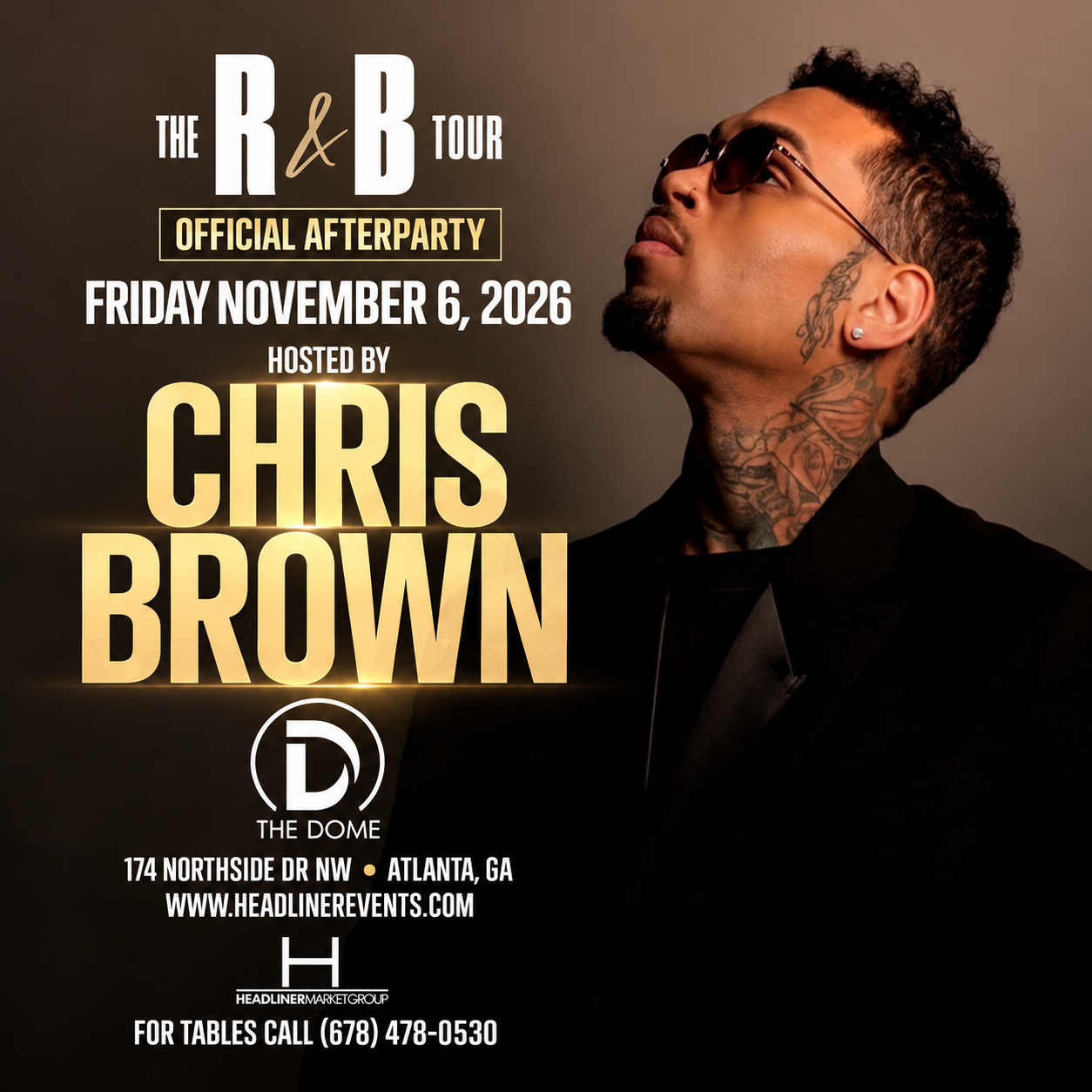
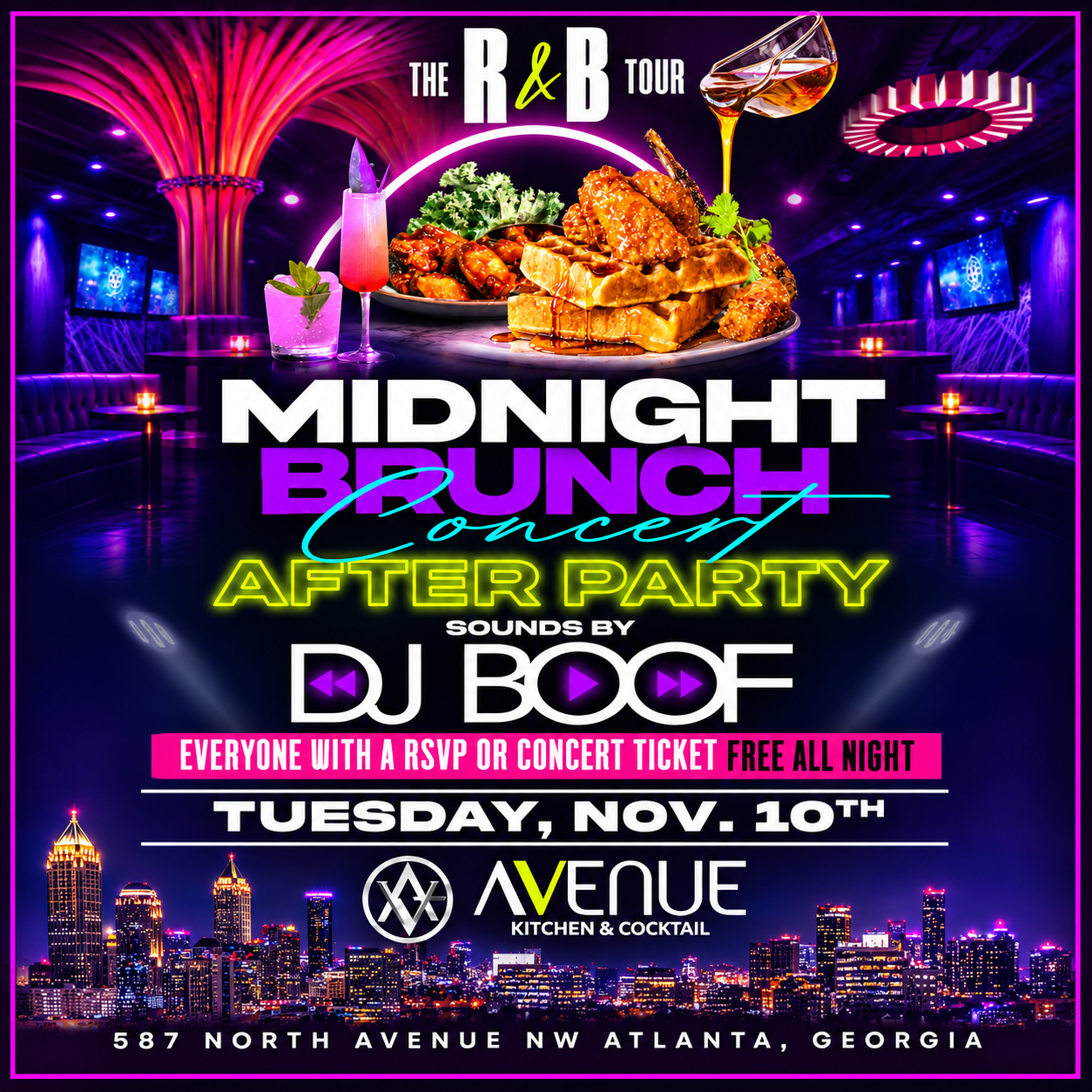
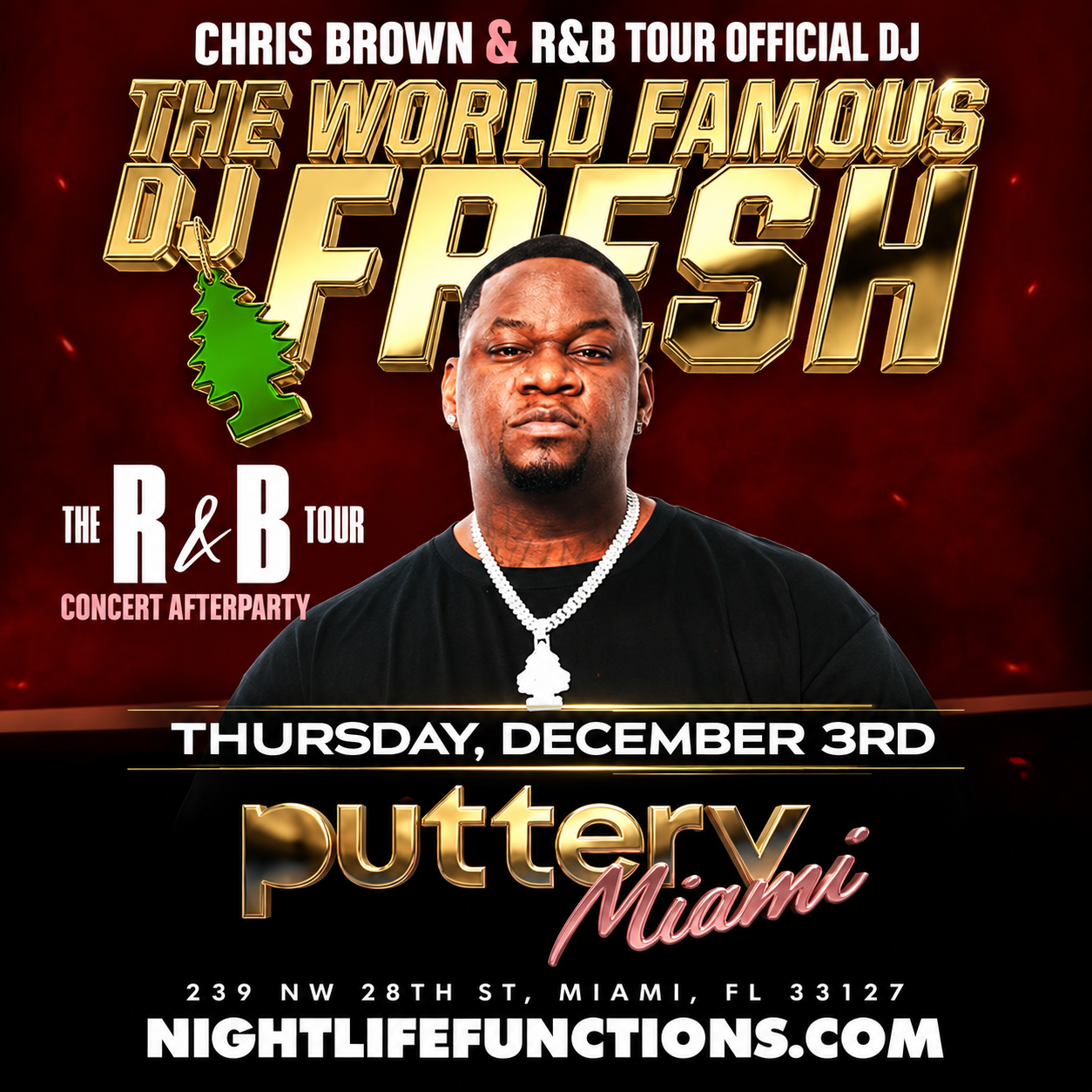
- New party: right-click any card → Duplicate. Click the new card’s picture and choose the new flyer.
- Click the text and type it like this:
Party Name then on the next line October 17th at Avenue. A weekly night: Every Monday at Starlit Rooftop
- Click Get Tickets and paste the ticket link. The picture uses the button’s link by itself.
- Click Update. The site puts tonight’s party at the top, sorts the rest by date, and hides parties the morning after.
Every card has a label in its corner showing how the site reads it. Grey = the party is over, safe to delete. Orange = no date found, check the text. Card order does not matter.